Creeper Face and Sword in Minecraft Pixels
Coloring guide
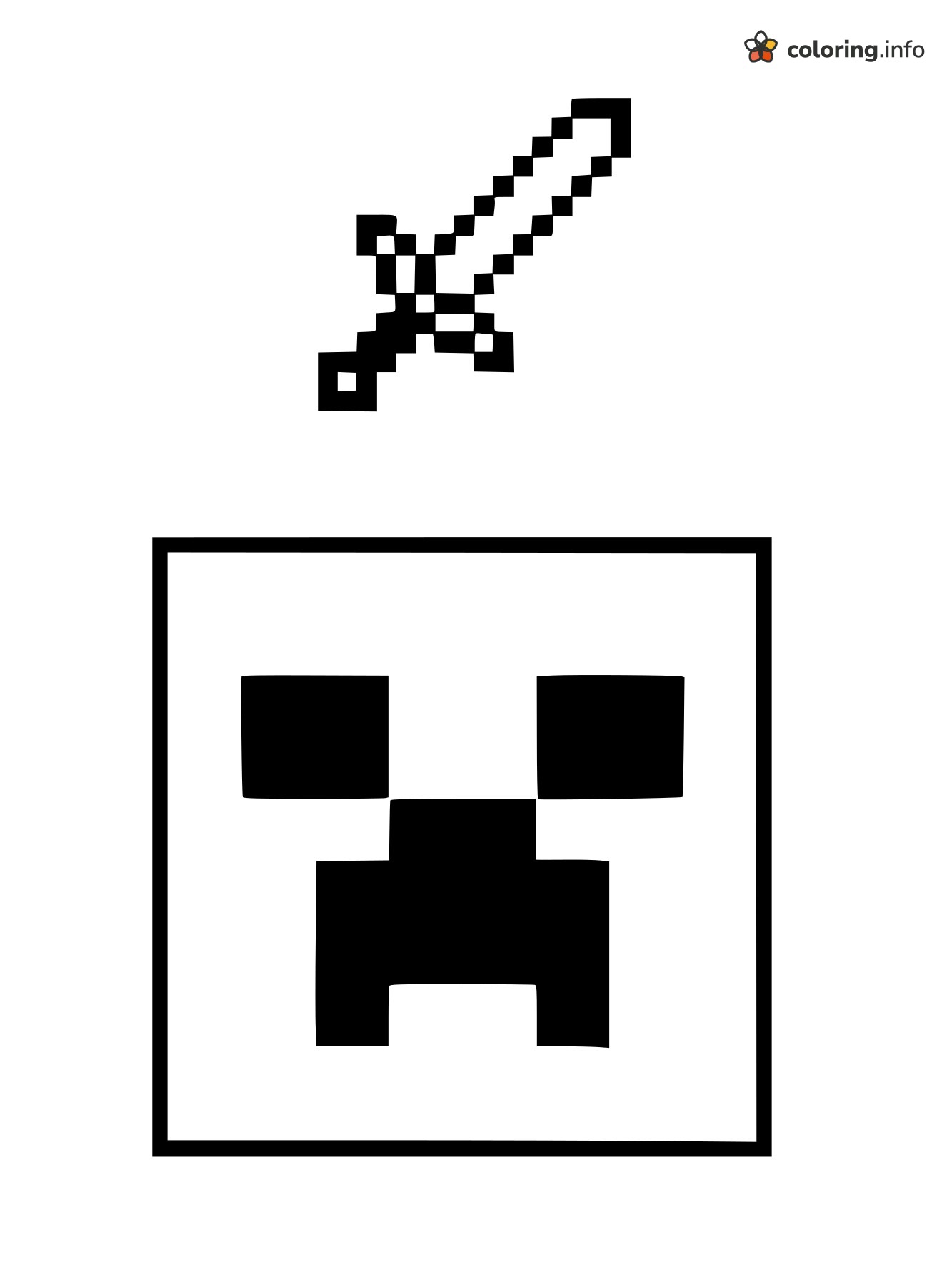
A pixel-style sword floats over a square framed Creeper face on this simple black-and-white page. The sword has chunky blocky outlines, a long diagonal blade, a crossguard and a small square pommel at the bottom left, so every little block is an easy shape to fill. Underneath, the Creeper's face sits inside a thick square border. Its square eyes, nose and mouth are already solid black, leaving the white space around them for color. No scenery behind, so the two objects stay the focus. Bright greens for the Creeper's white areas and light gray or blue for the blade with a brown handle works nicely. Download it as a free PDF for a quiet, creative moment. This page is part of our Minecraft coloring pages collection — check out Plants vs. Zombies and Among Us too.
A gentle color plan to get started — mix in your own anytime.
- grass green
- sky blue
- medium gray
A suggested order, zone by zone — skip around as you like.
- 1Start with the big square face. Fill the open green area around the black eyes and mouth with grass green, leaving the black shapes untouched.
- 2Color the long sword blade with sky blue, working along the diagonal and keeping the black pixel outline crisp.
- 3Fill the two small pieces of the sword guard, the crossguard near the middle of the blade, with medium gray.
- 4Keep the black eyes, nose, and mouth as they are, and leave the area outside the square white.
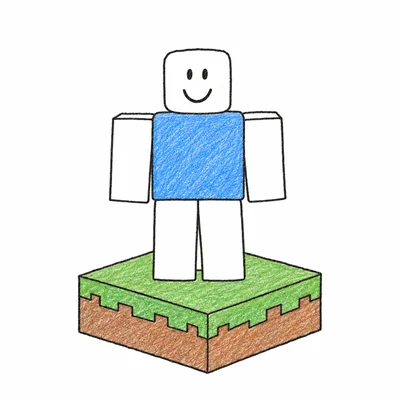
- 5Optional: Add light diagonal strokes of a slightly darker green on the face to give it a bit of texture, like the example.
More Minecraft Coloring Pages

Running Minecraft Steve Swinging a Pickaxe Overhead

Pikachu and Trainer in Minecraft Style With Pokémon Logo

Ender Dragon Soaring in Minecraft With Wide Wings

Arms-Crossed Minecraft Villager

Little Chibi Creeper for Minecraft Fans

Three Minecraft Zombies Standing Together With a Baby

Surprised Ghast Floating in Minecraft

Standing Minecraft Creeper Seen at an Angle